
Video automation for teams
Automate repeatable video production at scale.
Keep every output on-brand, reviewable, and ready to ship.
Free browser tools · no card required · 10 onboarding credits
1 · input

Vlog Camera Pro
Price · images · offer
2 · output
readyProduct promo
9:16 · template-backed
Extract
source data
Compose
variables + template
Review
before delivery
Choose your path
One engine, four ways to put it to work.
Start with the surface that matches the job. The same templates, composition contract, and render pipeline stay underneath.
Automate a workflow
Turn URLs, listings, articles, or briefs into reviewable video output.
Open WorkflowsBuild with the API
Send VideoJSON, fill templates, and render production-ready MP4s from code.
Explore the APIEdit one video privately
Trim, caption, transform, and export locally in the browser without an account.
Open Free ToolsCreate with an AI agent
Give Claude, Codex, Cursor, or your own MCP client a real video engine.
Install MCPProof path · ecommerce
One public product URL. A repeatable review loop.
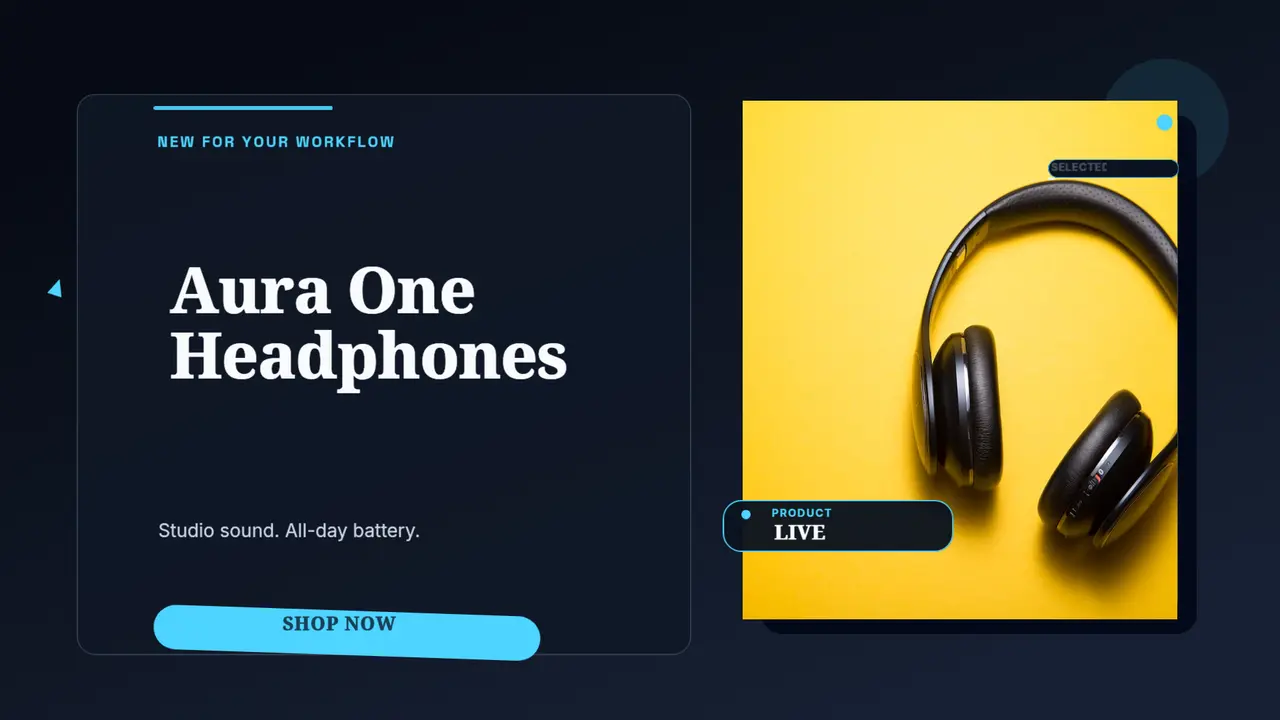
Start with a product page, map the useful details into a published template family, and inspect the result before you send it to a store, ad account, or social channel.
Extract
Read public product details and the primary image.
Compose
Map the values into a reusable promo template.
Review
Check the output before rendering or publishing.
Input
Output
Extract
source data
Compose
variables + template
Review
before delivery
- 259
- motion-designed templates
- 50
- GPU effects
- 27
- transitions
- 6
- animation presets
- 6
- official SDKs
- 1
- MCP server for AI agents
Start with a template
259 motion-designed templates optimized for every platform. Fill in your variables, customize in the studio, then automate production with workflows or the API.
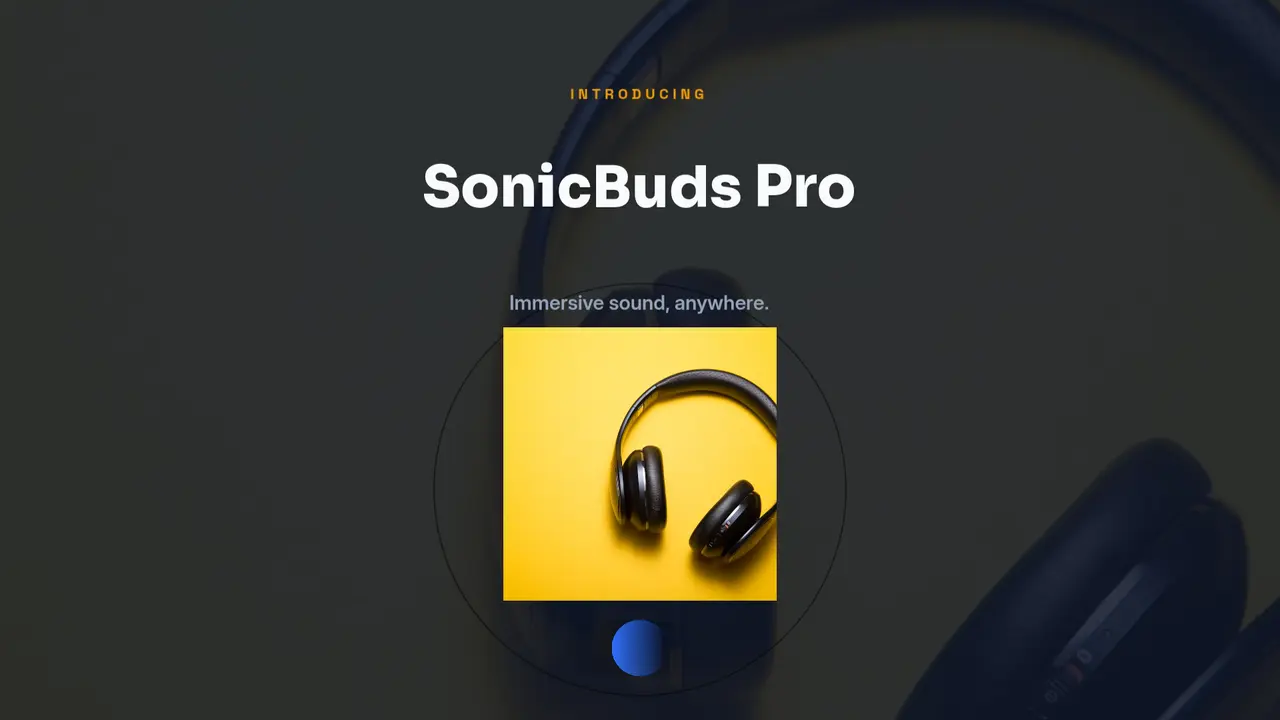
Product Launch
Flagship product launch: levitating hero over rotating halo + glowing plinth. 5 scenes with distinct identities — Hook, Spotlight, Features, Testimonial, and CTA.
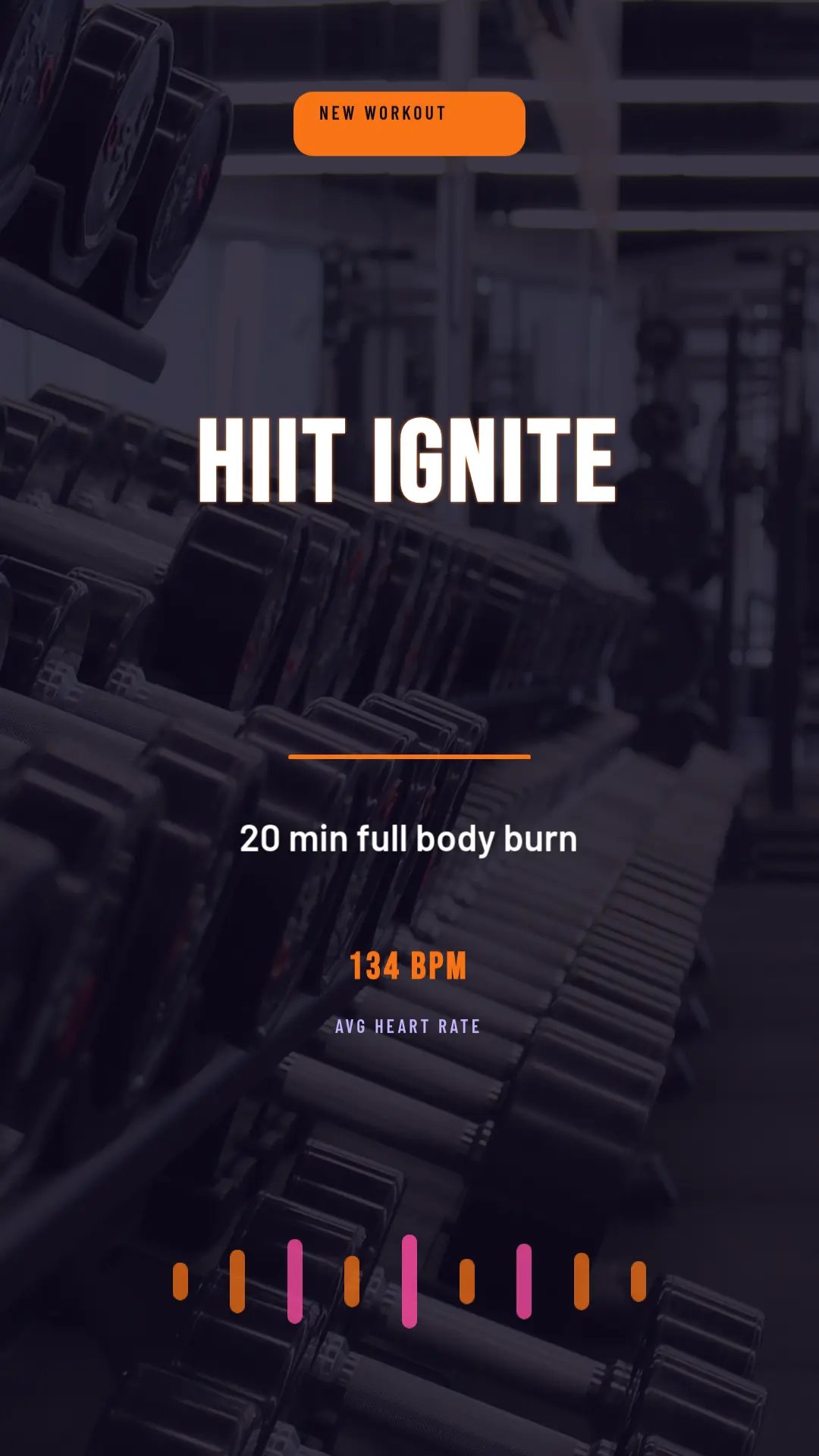
Fitness Workout
High-energy fitness intro styled as a heart-rate telemetry HUD: live BPM count-up, pulsing equalizer bars, scan-revealed stats, countdown ring and a pulsing CTA.
Stylish Real Estate Reel Template
A premium vertical property reel styled as a penthouse elevator ascent — brushed doors, a brass rail, and a glowing cabin reveal each beat of the listing.
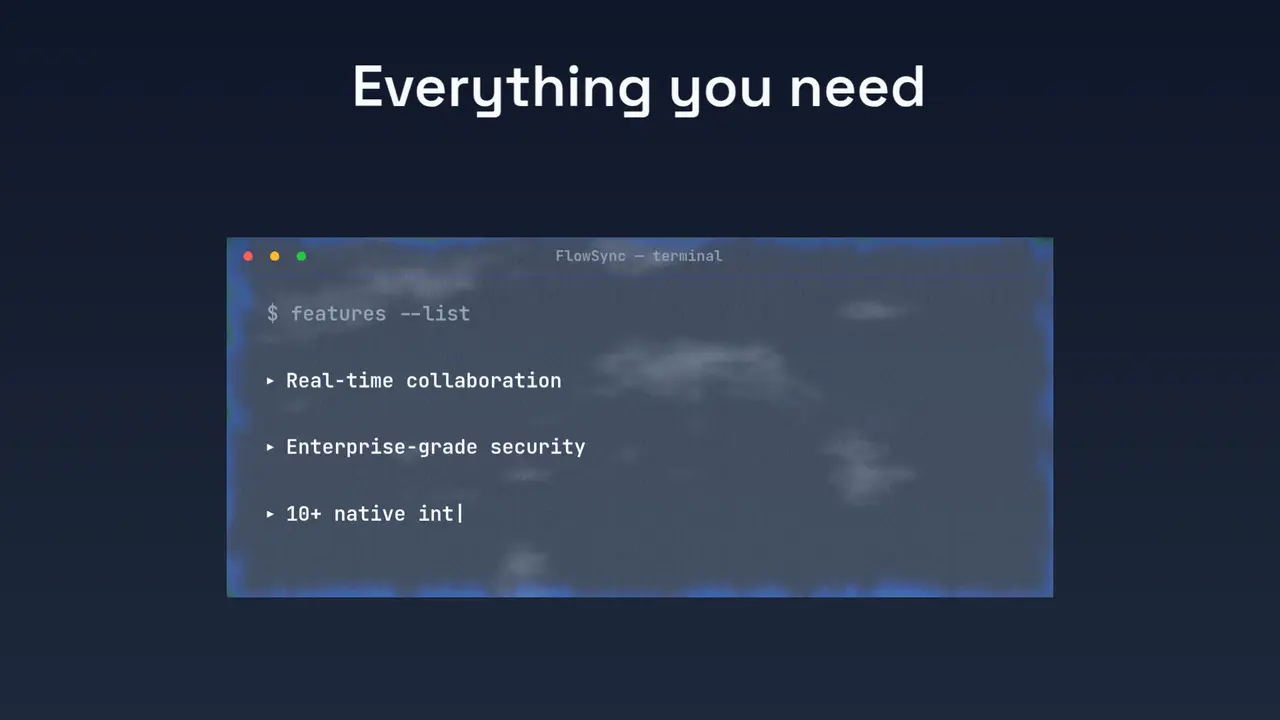
SaaS Launch
A sleek SaaS launch video styled as a deployment console — typed boot log, frosted terminal window, and glowing CTAs.
A full motion engine under the hood
Every template is built from the same GPU-accelerated primitives — and they are all yours in the studio and the API.
GPU-accelerated effects rendered in real time — blurs, distortions, glitch, color grading and light.
Scene and layer transitions with motion blur, 3D rotation, dissolves and reveals.
Preset motion for headlines and captions — no keyframing required.
One platform, three ways to scale
Use the same templates and render engine through the surface that fits your team, product, or production stack.
Visual workflows
Chain steps like crawl, render, and deliver in a no-code builder. Batch inputs, run on demand, and send results to any destination.
API & SDKs
JSON in, MP4 out. Render from the REST API or official SDKs for Node.js, Python, PHP, Ruby, Go, and .NET.
AI agents
Connect Claude, ChatGPT, or any MCP client. Agents can list templates, fill variables, and render videos on demand.
Scale without infrastructure
Server and edge rendering with auto-scaling, signed webhooks, and delivery straight to S3, GCS, Azure Blob Storage, or Google Drive. One POST request renders one video — or ten thousand.
1import { ILoveVideoEditorClient } from '@ilovevideoeditor/sdk-node';2const client = new ILoveVideoEditorClient({4apiKey: process.env.ILOVE_API_KEY,5});6const videoJSON = loadVideoJSON();8const result = await client.render(videoJSON, {9onProgress: ({ progress }) => console.log(progress),10});11console.log(result.downloadUrl);13
iLoveVideoTools
Quick edits, free in your browser
Twenty focused tools for trimming, captions, overlays, effects, audio and exports. No signup, no watermark, and your files stay on your device.
Start free. Render more when you need to.
The editor and tools are free forever. Cloud rendering runs on credits — 1 credit = 1 minute of 1080p30 video.
Free
€0 forever
Editor, 259 templates & 20+ tools
Pro
€25 /month
100 render credits monthly
Business
€50 /month
250 render credits monthly
Frequently asked questions
Is iLoveVideoEditor free?▼
The online editing tools and all 259 templates are free, with no signup and no watermark. Cloud rendering is pay-as-you-go with credits — 1 credit renders 1 minute of 1080p30 video.
Do my files leave my device when I use the online tools?▼
No. The quick-edit tools run entirely in your browser via WebCodecs — your video files are never uploaded to a server.
Can I render videos programmatically?▼
Yes. The JSON-to-MP4 API and the Node.js SDK render VideoJSON scenes server-side, so any backend can generate templated videos on demand.
Does iLoveVideoEditor work with AI agents?▼
Yes. An MCP server exposes the video tools to AI agents, and ready-made integrations exist for Zapier, Make, and n8n.
What can I make with the templates?▼
Templates cover YouTube, TikTok, Instagram, and general formats. Each one exposes variables — text, images, colors — that you can set visually in the studio or fill via the API.